The Ultimate Hub for your Android Journey
Get total control over your Android device. Explore, manage, extract APKs, and discover new apps with our all-in-one, community-driven hub.

Latest Features
Fresh tools to keep your Android experience ahead of the curve
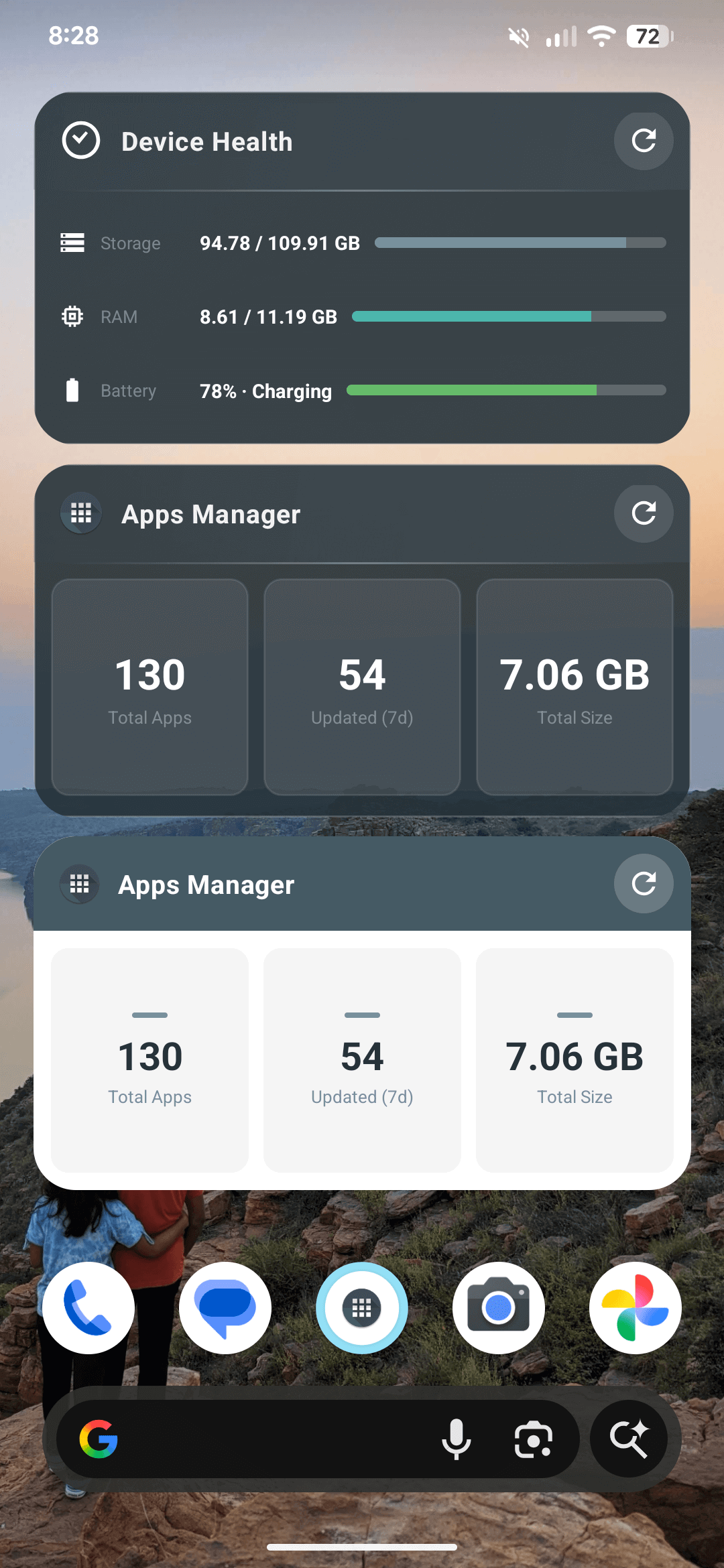
Home Widgets
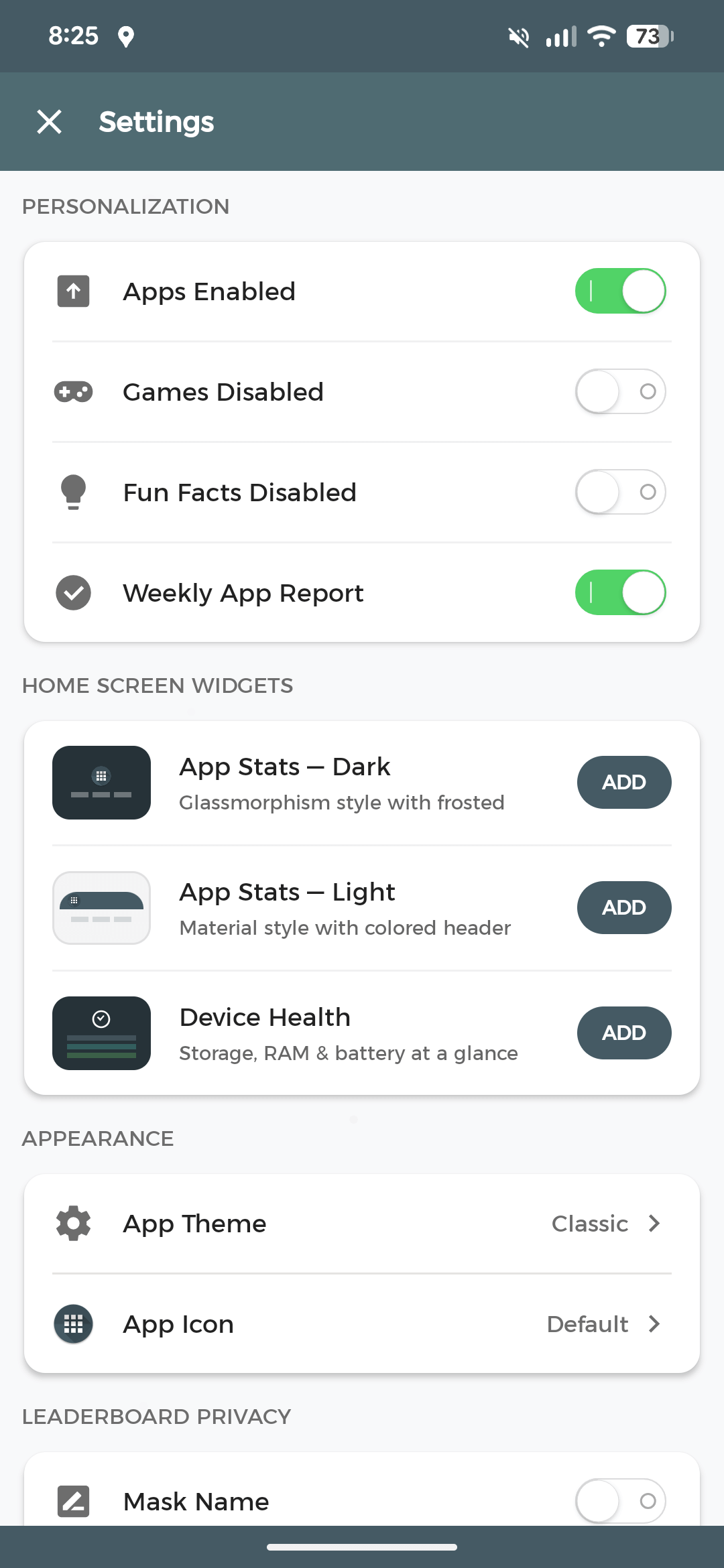
Track app stats, device health, and storage from your home screen with Dark, Light, and Health widget styles.
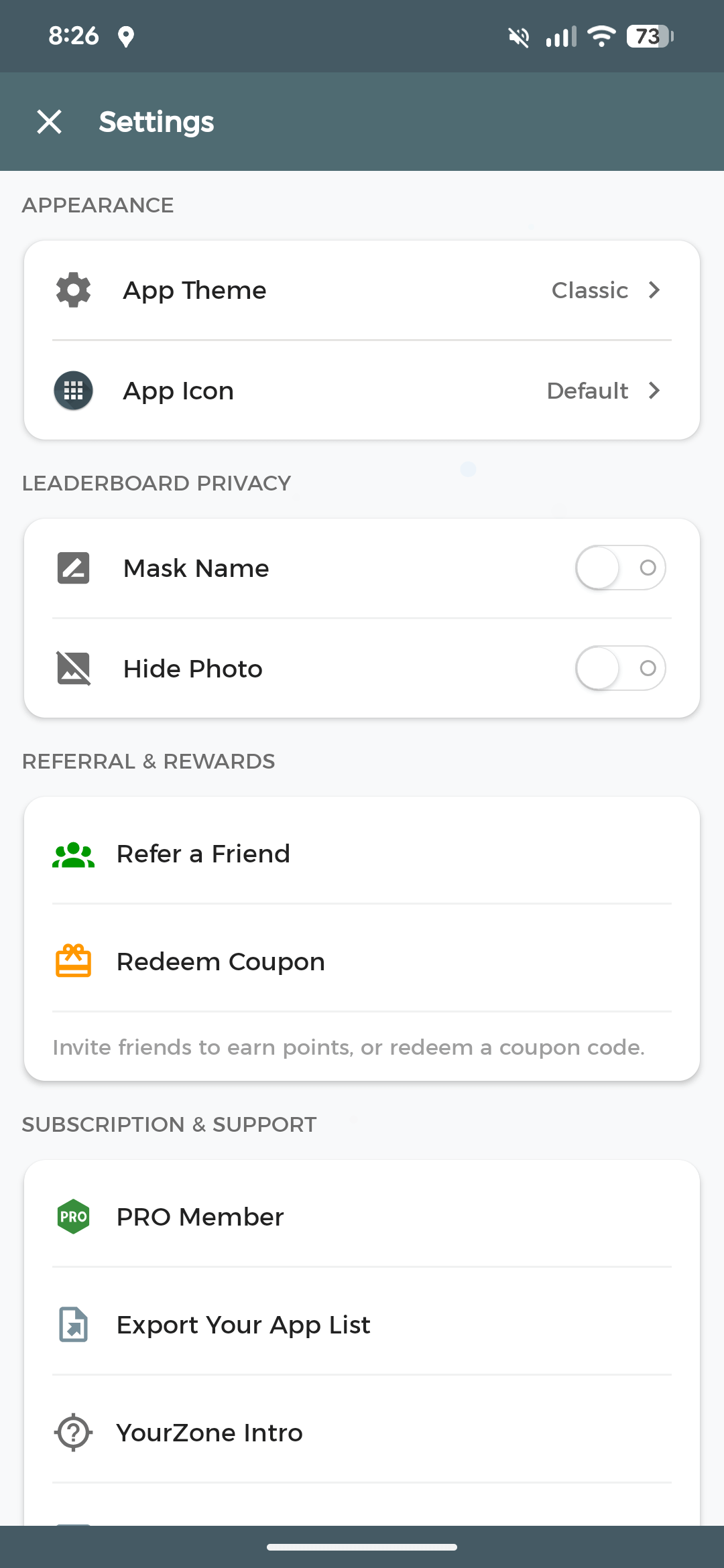
Export Your App List
Share your installed apps as text or CSV — perfect for backups or switching devices.
Weekly App Reports
Get a weekly summary of what you installed, removed, or updated over the past 7 days.
Premium Themes
Unlock Ruby, Sapphire, and Emerald themes using points. Classic themes stay free.
Custom App Icons
Personalize your launcher icon with Dark, Gold, or Minimal variants.
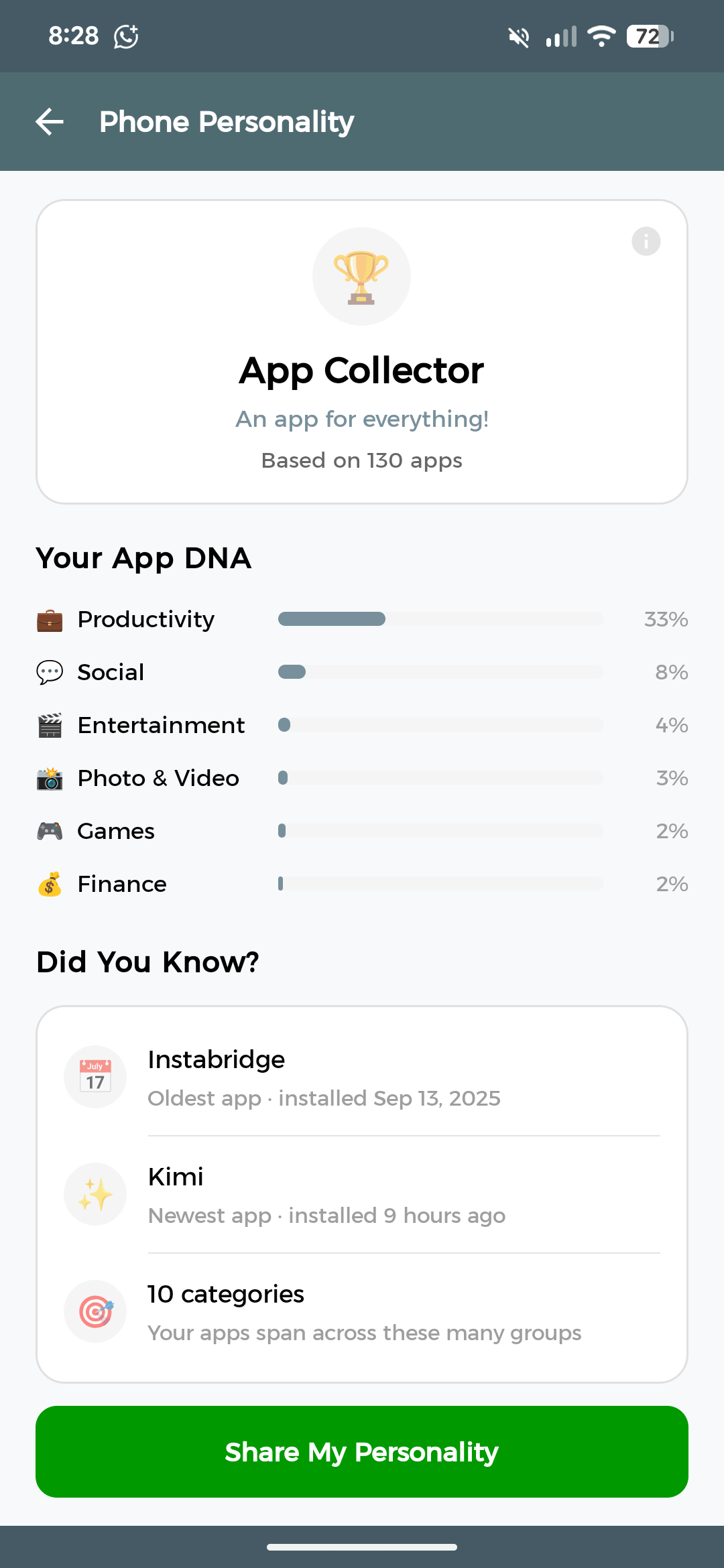
Phone Personality
Discover what your apps say about you — get a personality type and share it with friends.
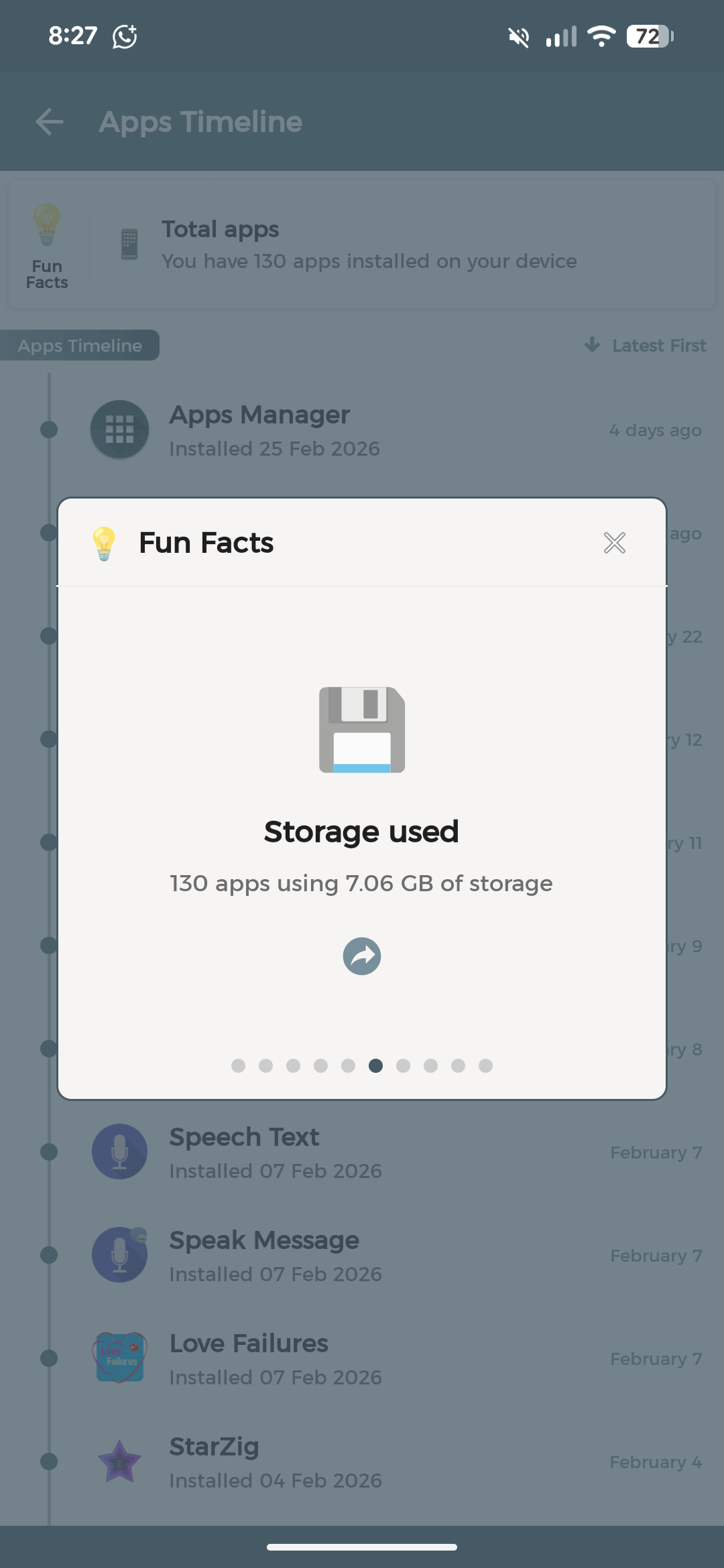
Apps Fun Facts
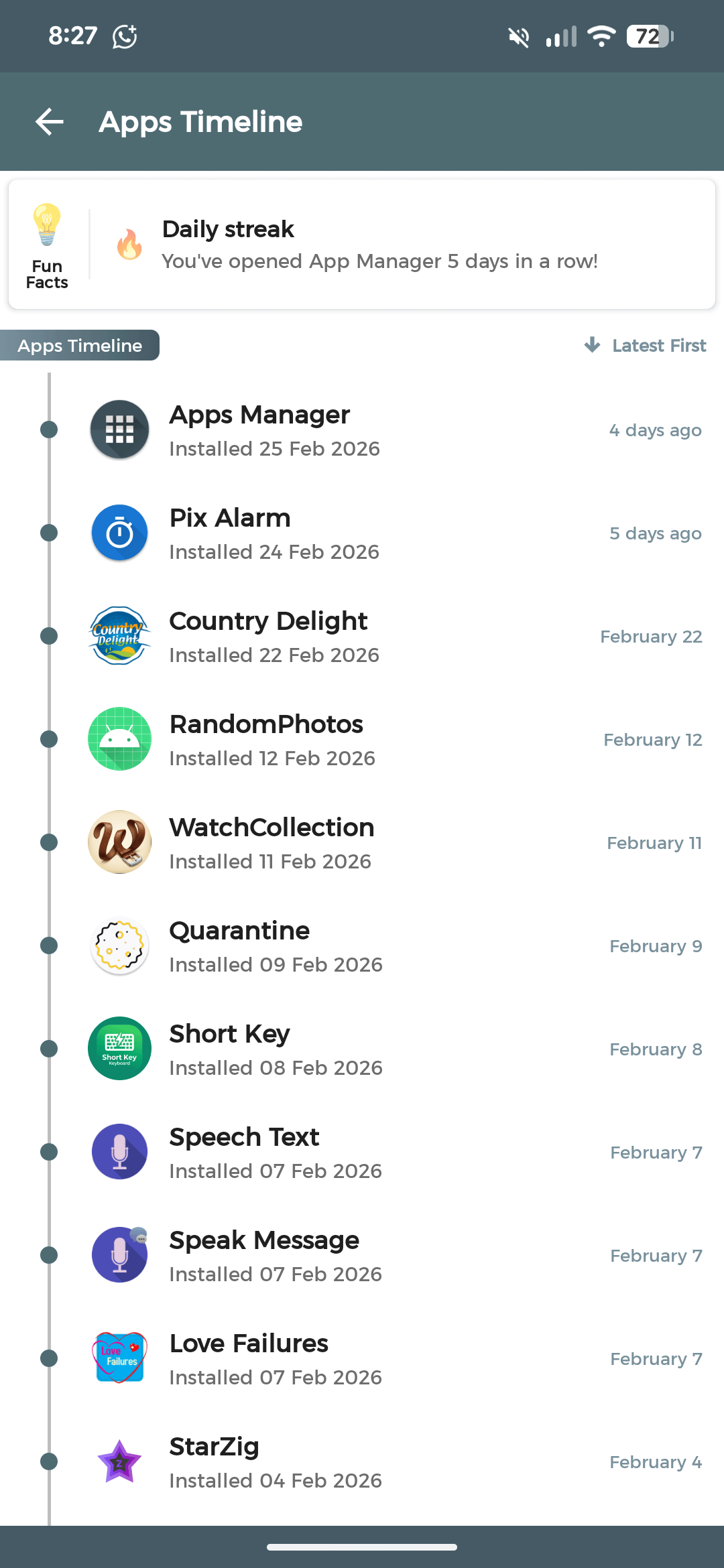
Discover fun insights — oldest install, largest app, total storage, and your complete app timeline.
Redeem Coupons
Enter coupon codes in Settings to earn bonus points. Your balance updates instantly.
Referral Program
Invite friends with your referral code. Both of you earn reward points to unlock premium features.
Core Features
Everything you need to take full control of your Android apps in one place
App Management
View detailed info like app size, version, update history, and package names in one clean interface.
APK Extraction
Backup and share your favorite apps instantly. Works without storage permissions on Android 10+.
Community Reviews
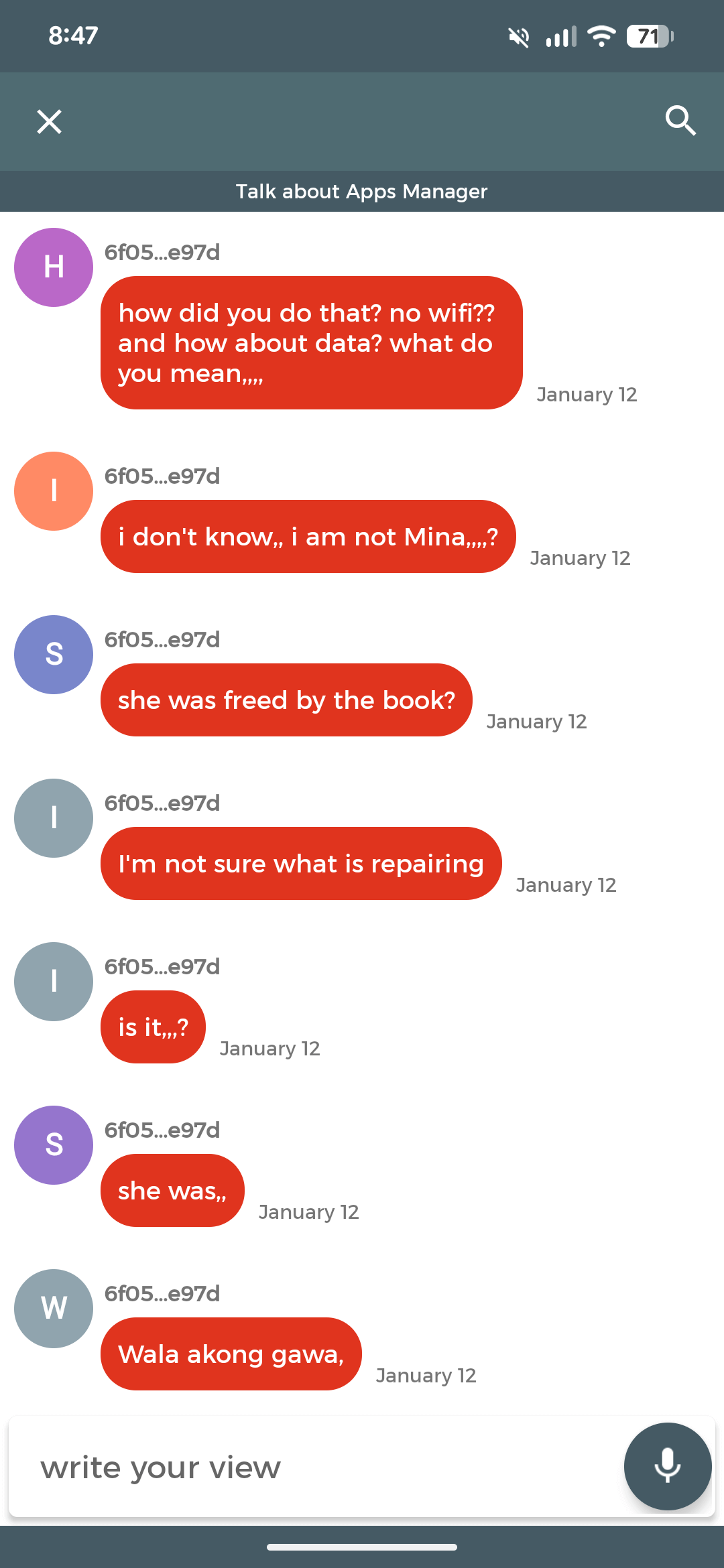
Chat with other users, read reviews, and share your own experiences to help others find the best apps.
Fast Search & Filter
Find any app in seconds without scrolling through endless lists.
15+ Languages
Experience the app in 15 languages. Seamlessly switch between languages for a fully localized experience.
Color Palette
Discover the color palette of any app icon. View detailed color breakdowns right from the app info screen.
Battery Impact
See how apps affect your battery life with impact indicators and warning banners for heavy drainers.
Permission Analysis
Understand app permissions with friendly names, plain-English descriptions, and color-coded sensitivity badges.
Performance Insights
Monitor memory usage and track when apps were last updated to keep your device clutter-free.
App Hub Interface
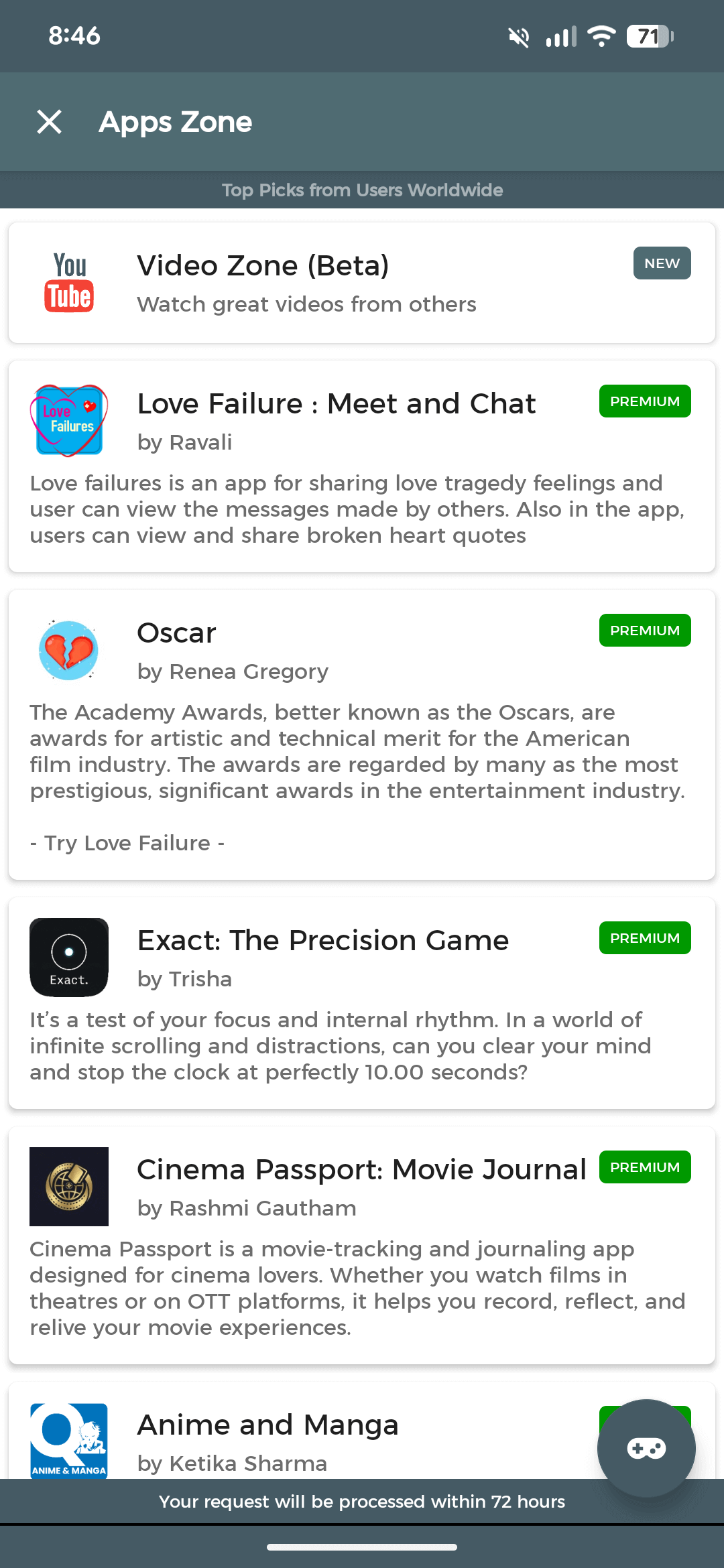
Access the Game Zone for instant play or the Video Zone for curated content, all within the app.
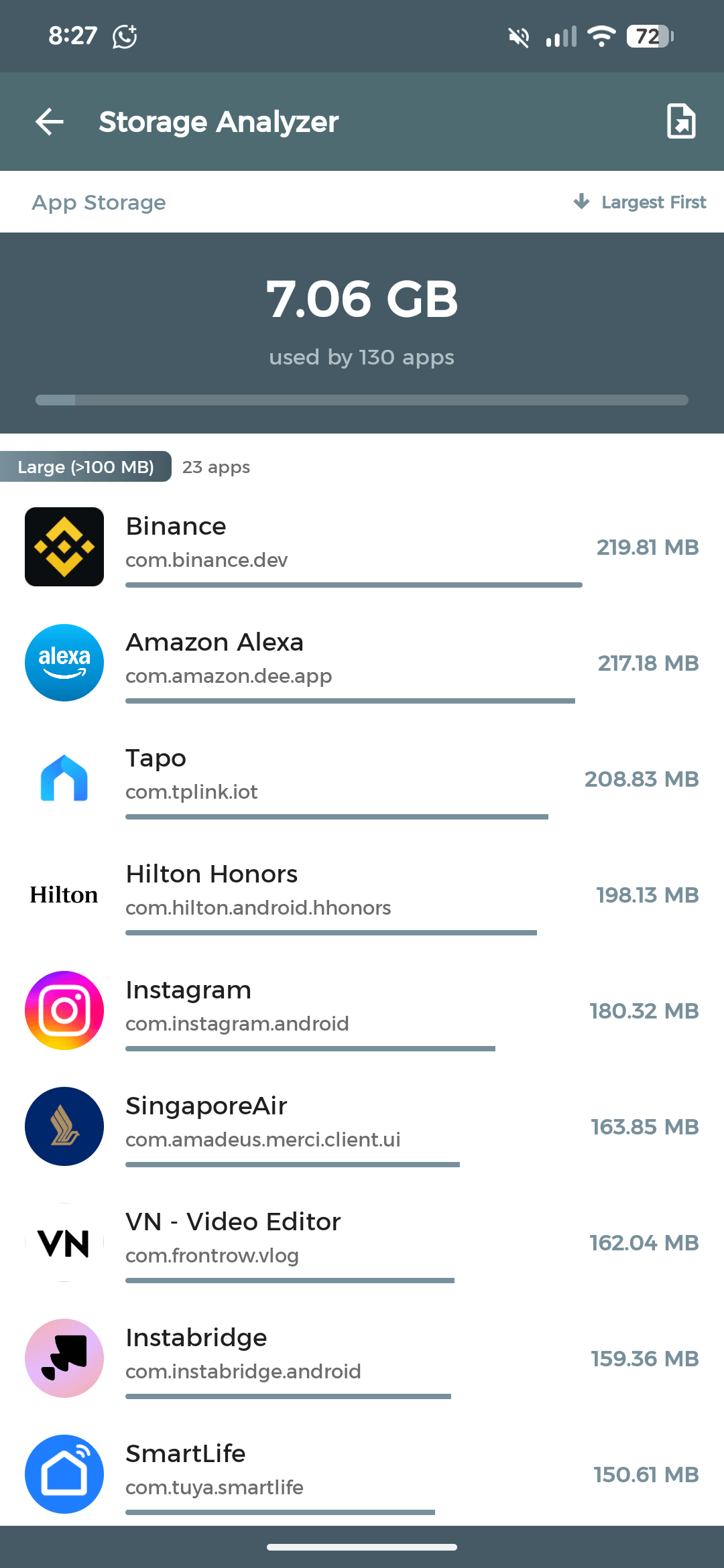
Storage Analyzer
Identify large, unused apps instantly. Free up valuable device storage with smart sorting.
Batch Operations
Uninstall, update, or back up multiple applications simultaneously with just one tap.
App Wrapped
Get a Spotify-style story slideshow with 14 animated slides and a shareable summary card of your app usage.
Roast & Compliment
Get 30+ witty roasts based on your app count, categories, and personality with "Phone Vibe Check" and more.
App Goodbye
Send off deleted apps with contextual farewells, usage stats, and category-specific lines with two-step safety.
Export App List
Export your complete app list as a shareable file. Perfect for backups, device migration, or keeping records.
How It Works
Get started in three simple steps
Install
Download AppsManager for free from the Google Play Store. No sign-up needed.
Explore
Discover all your installed apps with detailed info, sizes, and permissions at a glance.
Manage
Extract APKs, clean storage, batch uninstall, and join the community hub.
Privacy & Safety
Built with privacy-first principles. No compromises.
No Permissions Required
Extract APKs and manage apps without granting sensitive access. Your data stays yours.
Safe & Lightweight
Designed to be fast and efficient without draining your battery or resources.
No Data Collection
We don't track, store, or sell your personal data. Ever. Period.
See It in Action
A quick look at what awaits you inside AppsManager
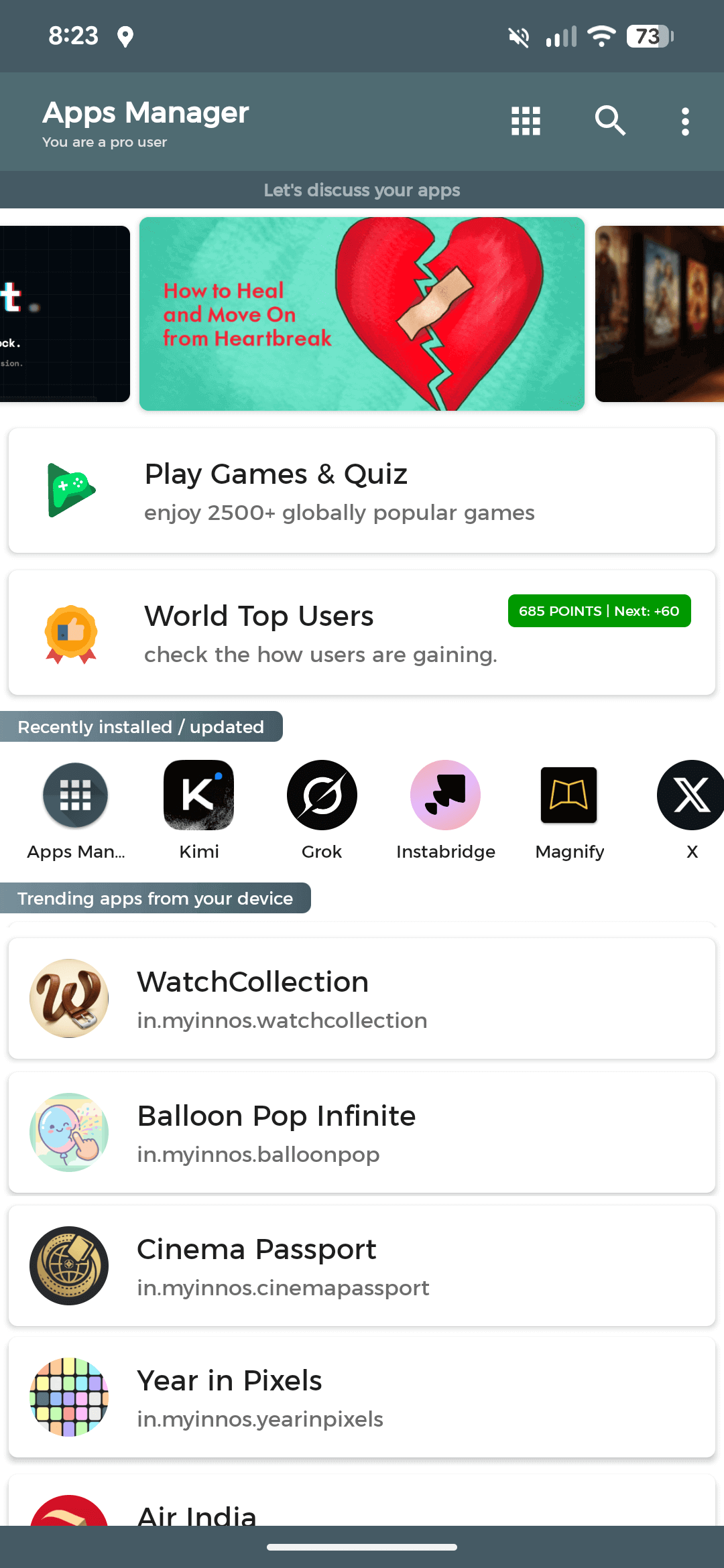
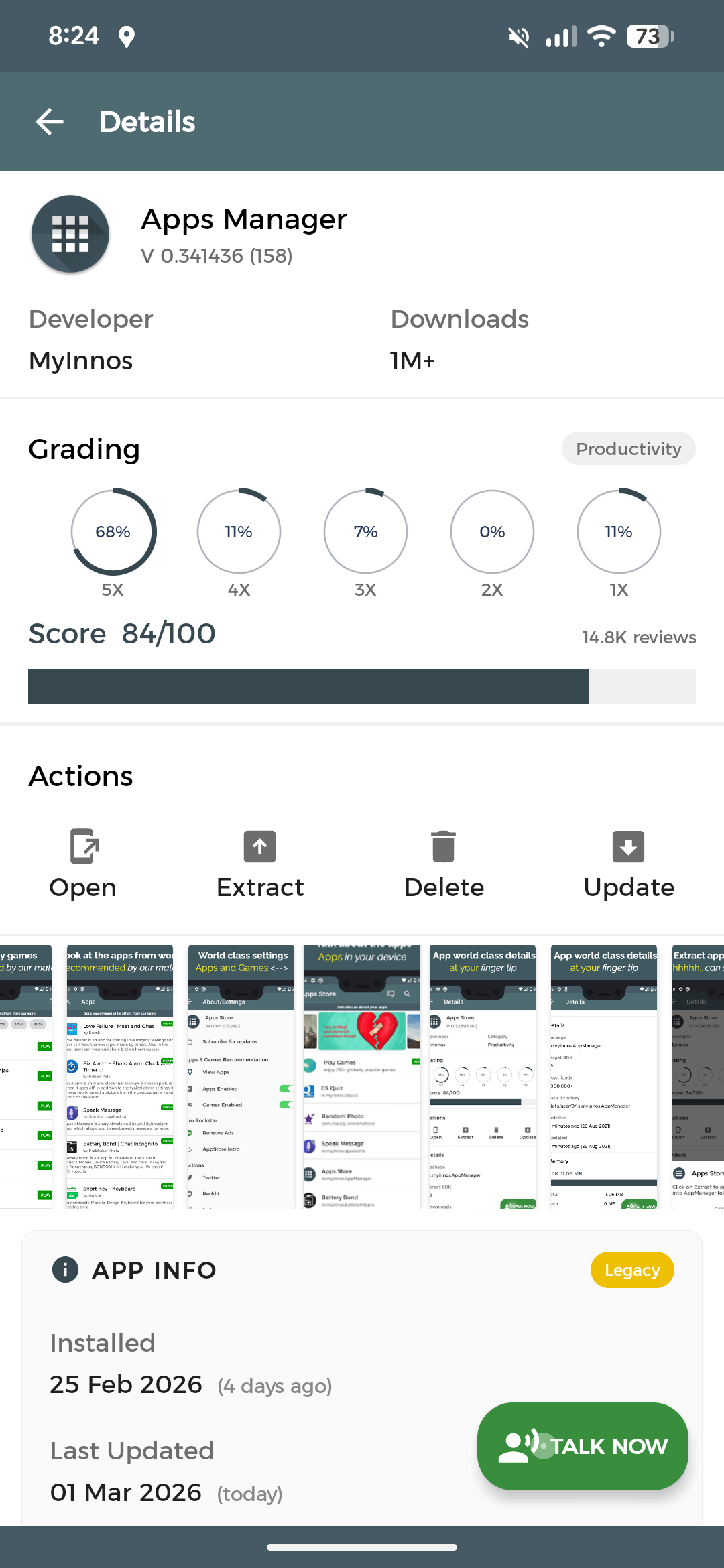
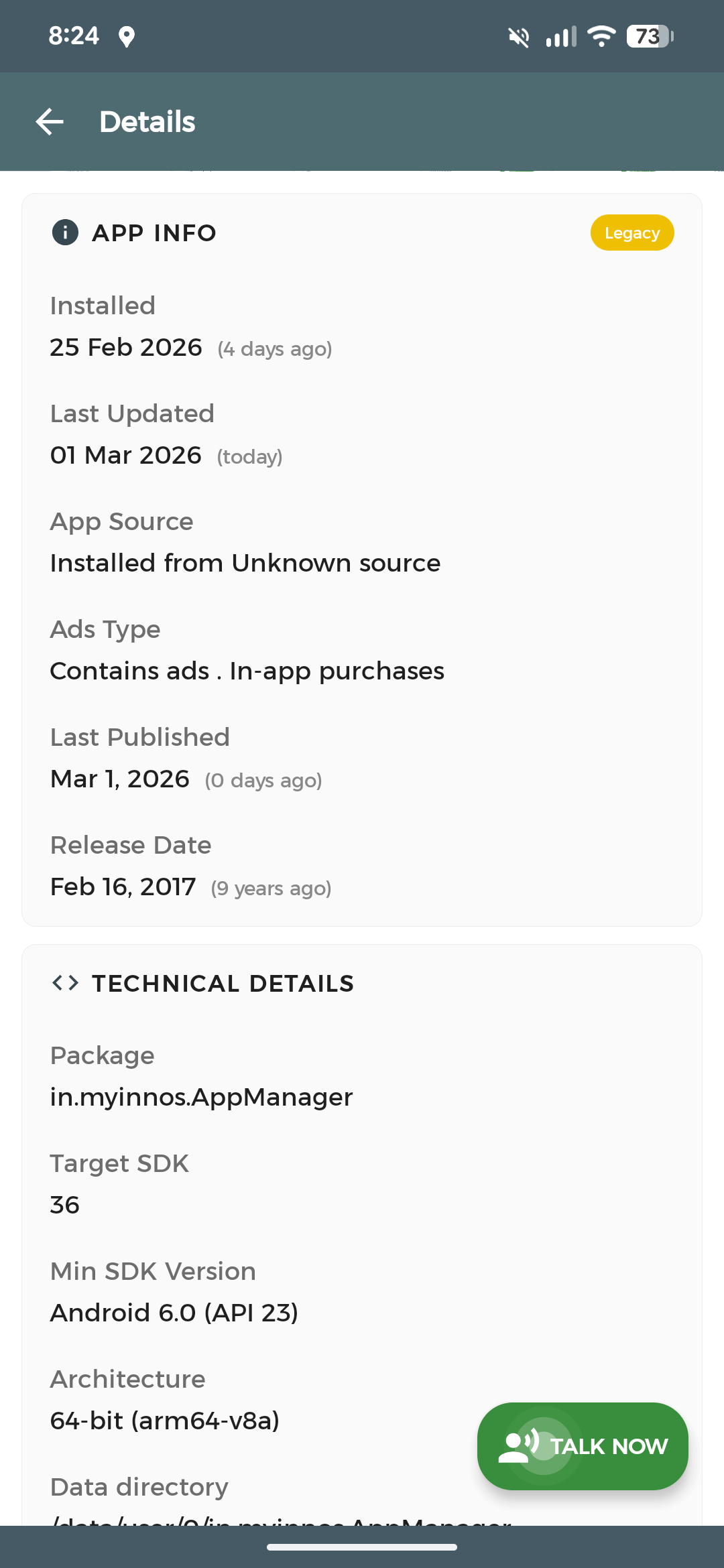
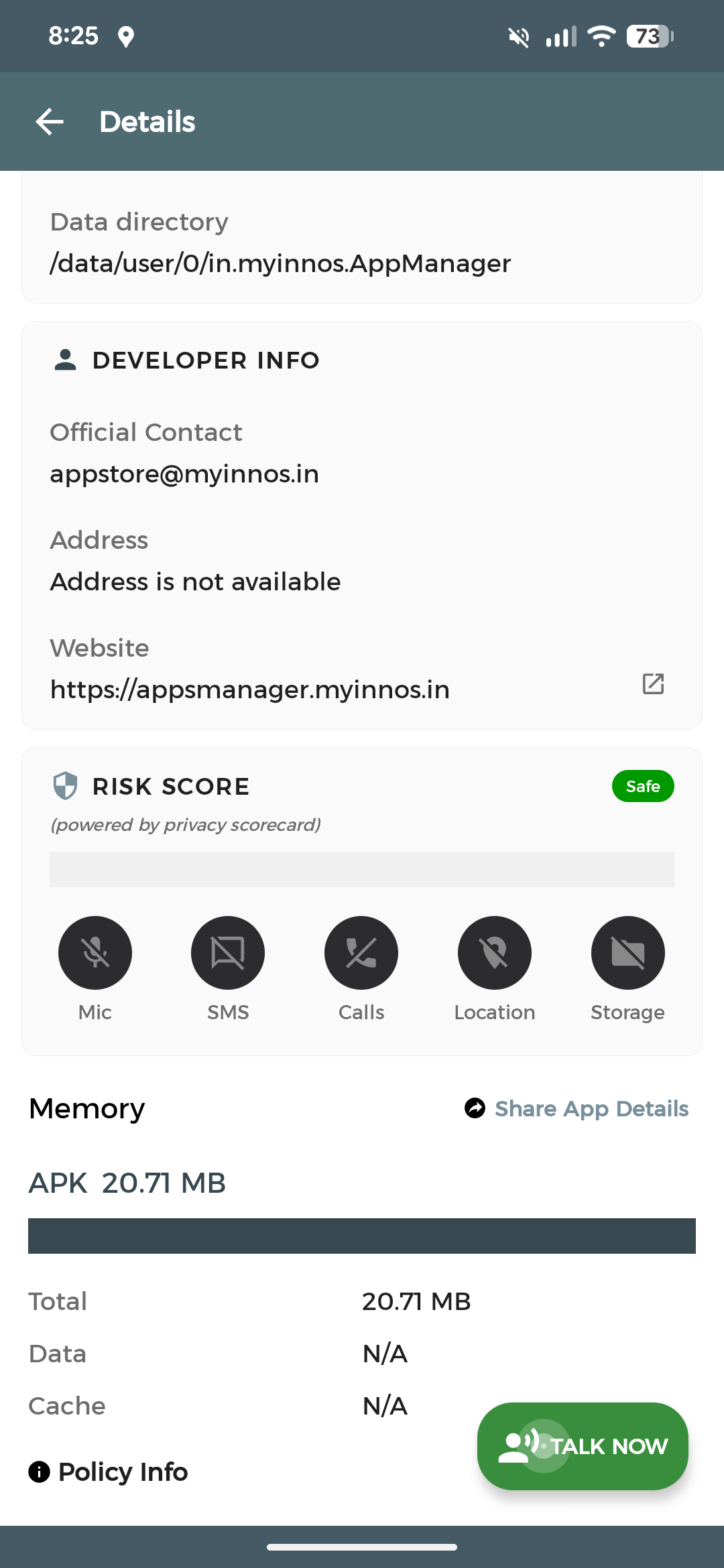
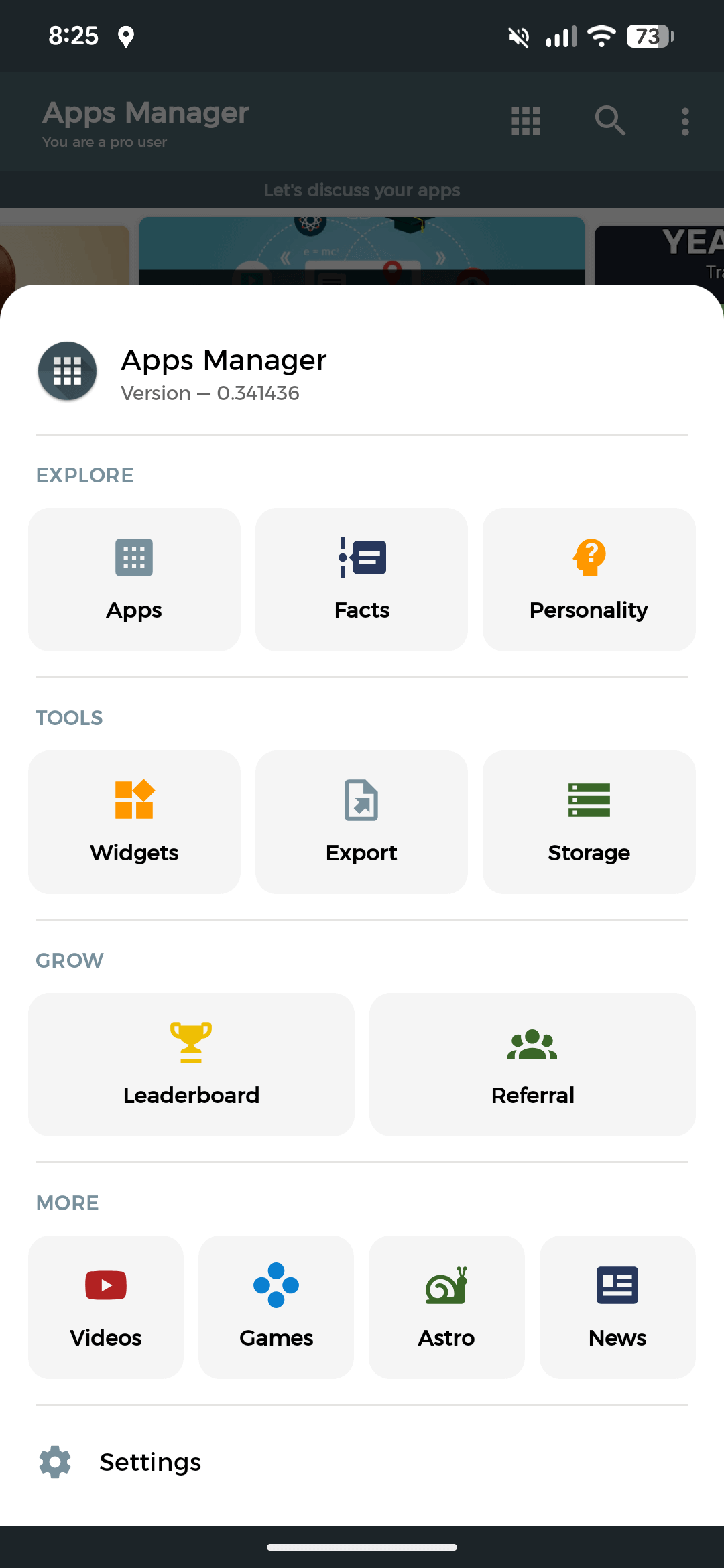
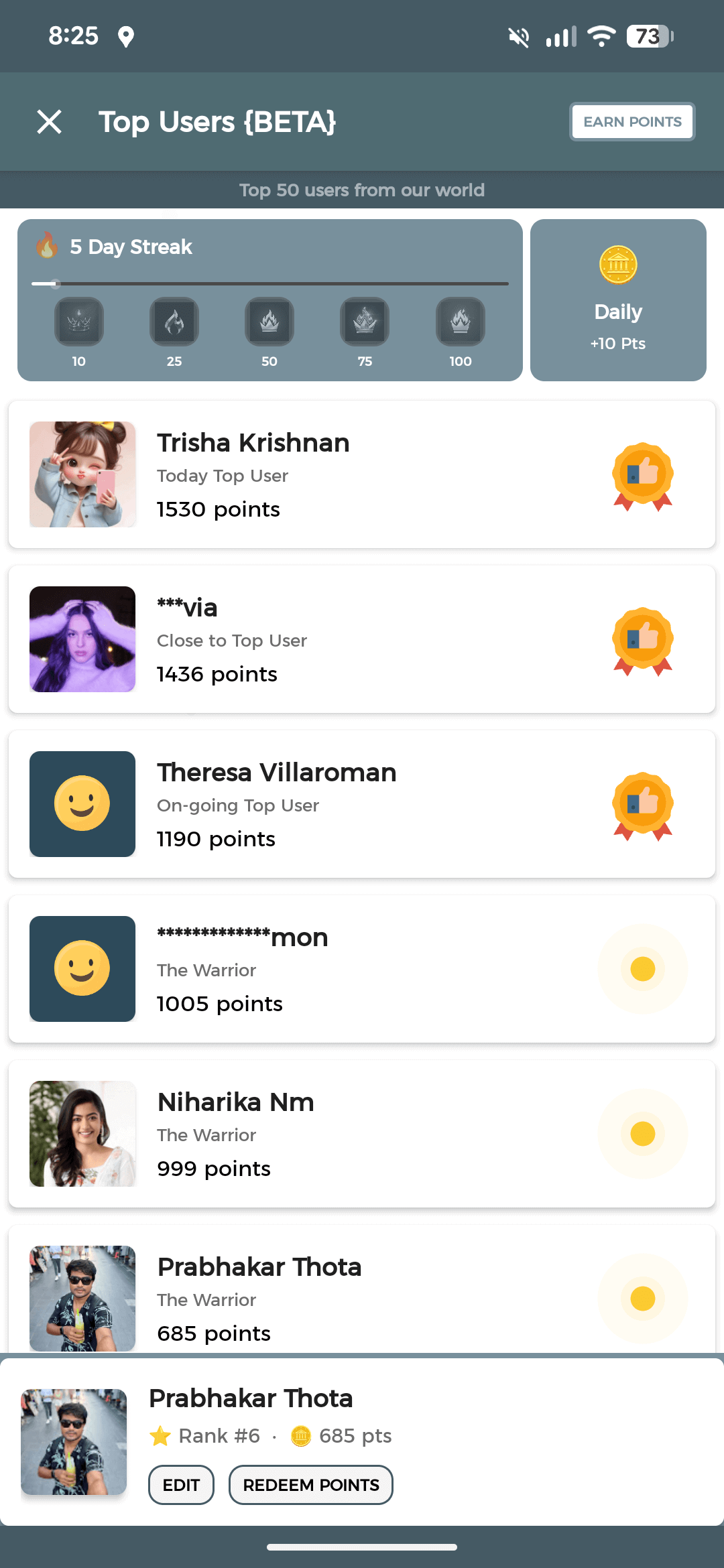
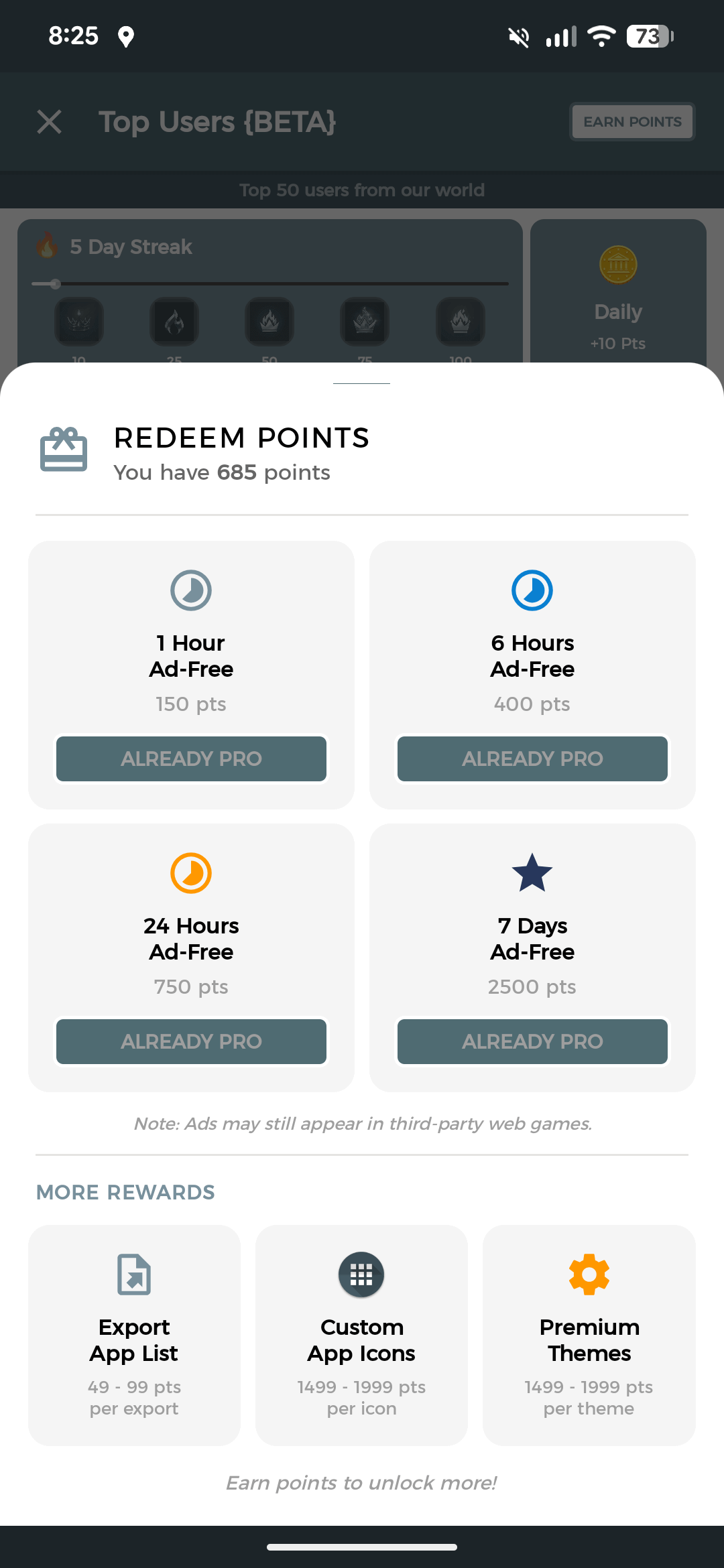
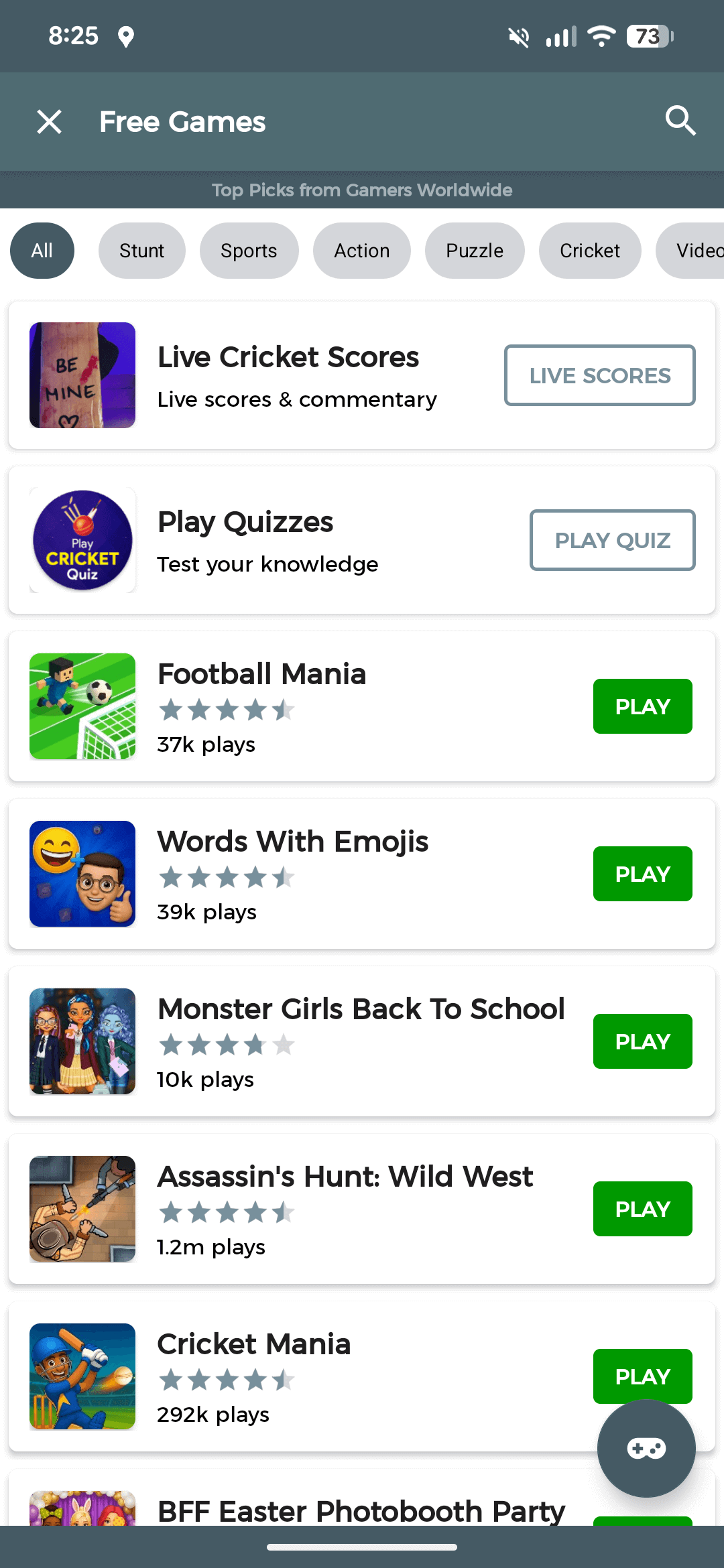
Note: Apps Manager does not host or download apps/games and is not a replacement for the Play Store. We help you manage what you already have.
What Users Say
Trusted by millions of Android users worldwide
Best app manager on the Play Store. I extract APKs in seconds without giving any storage permissions. Clean UI and super lightweight.
Love the privacy approach — zero permissions needed and no data collection. Finally an app that respects my phone. The widgets are a nice bonus too!
The Game Zone and Leaderboards keep me coming back. It's not just an app manager — it's a whole community. Weekly reports are surprisingly useful.
Phone Personality and Fun Facts are so creative! Found out my oldest app was installed 4 years ago. Premium themes look gorgeous too.
Storage Analyzer saved me 3GB in one go. The batch uninstall feature is a lifesaver when cleaning up. Doesn't drain battery at all.
Switched phones and the Export App List feature made it so easy to know exactly what I had. Referral program earned me premium themes for free!
Frequently Asked Questions
Everything you need to know about AppsManager
What is AppsManager?
AppsManager is a free, all-in-one Android app management hub by MyInnos. It lets you view detailed app info, extract APKs, analyze storage, track weekly app activity, and join a community of over 4.5 million users — all without requiring any permissions.
Is AppsManager free to use?
Yes, AppsManager is completely free to download and use. All core features — APK extraction, app management, storage analysis, and community access — are free forever. Premium themes can be unlocked using in-app points earned through referrals and coupons.
Does AppsManager need any permissions?
No. AppsManager works with zero permissions. It can extract APKs, display app details, and manage your installed apps without requesting storage, contacts, or any other sensitive access. Your data stays entirely on your device.
How do I extract an APK with AppsManager?
Open AppsManager, find the app you want to extract from the list, tap on it, and select the Extract APK option. The APK file will be saved to your device instantly — no root or storage permissions required.
Is AppsManager safe to use?
Absolutely. AppsManager collects zero personal data, requires no permissions, and is trusted by over 4.5 million users with 15,000+ four-star reviews on Google Play. It is lightweight, battery-friendly, and built with privacy-first principles.
What Android versions does AppsManager support?
AppsManager supports Android 5.0 (Lollipop) and above. It is optimized for modern Android versions including Android 14, and works seamlessly on devices running Android 10+ for permission-free APK extraction.
Ready to take control?
Join 4.5 million users who already manage their Android apps smarter. It's free, lightweight, and respects your privacy.
Download on Google Play